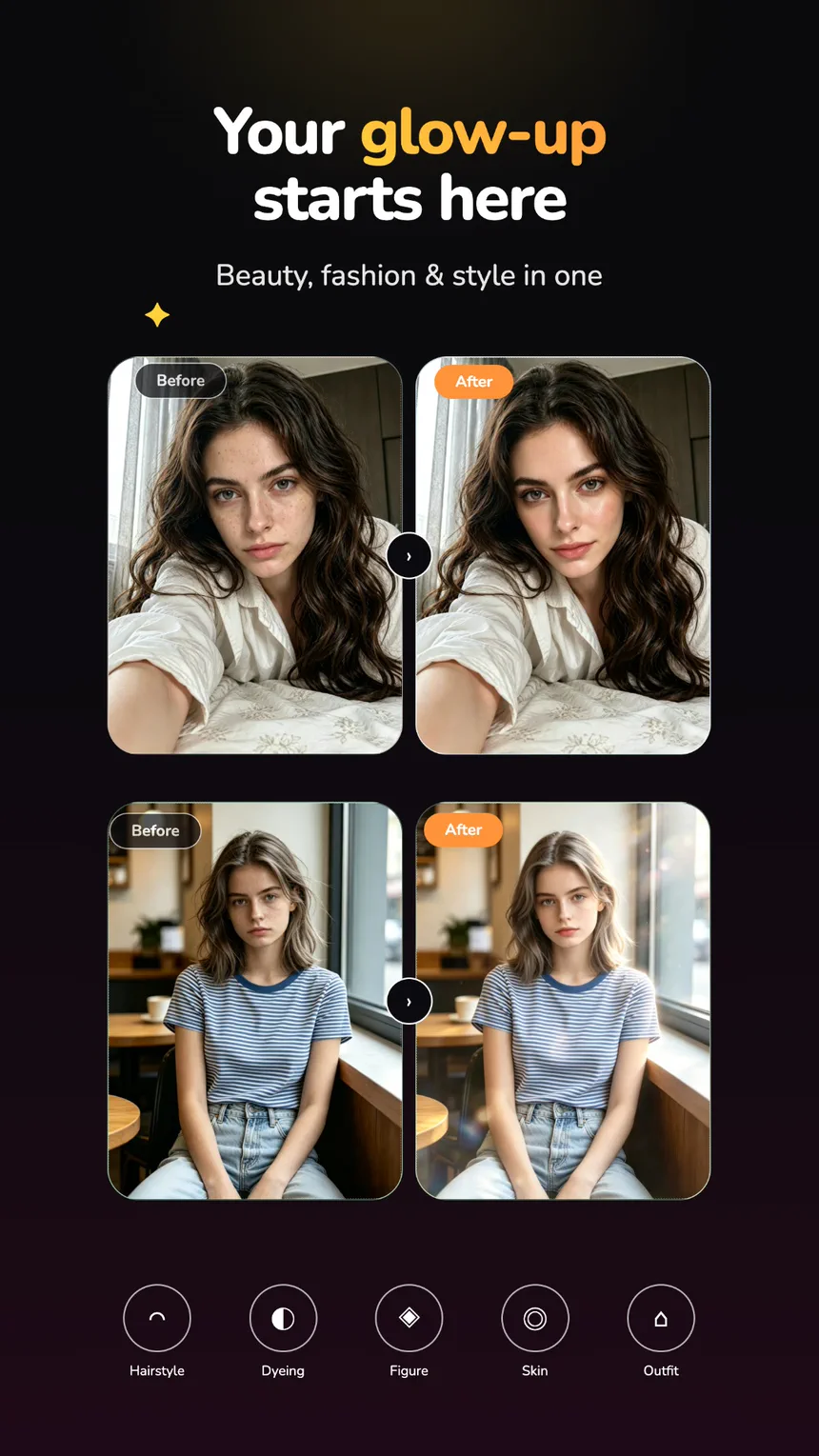
01 — Glow-up
Change what feels off.
Hair, colour, skin, shape, and outfit each have their own control, so a portrait can be tidied one decision at a time instead of all at once.
 CutPapaya
Google Play · Coming soon
CutPapaya
Google Play · Coming soon
AI photo & video editor
Take out what does not belong, rebuild the portrait, change the mood, or set the whole frame moving — starting from a photo already on your phone.
What you can make
Every tool starts from a picture you already have. Describe the change in a sentence, or begin from a look that is already built.
01 — Glow-up
Hair, colour, skin, shape, and outfit each have their own control, so a portrait can be tidied one decision at a time instead of all at once.
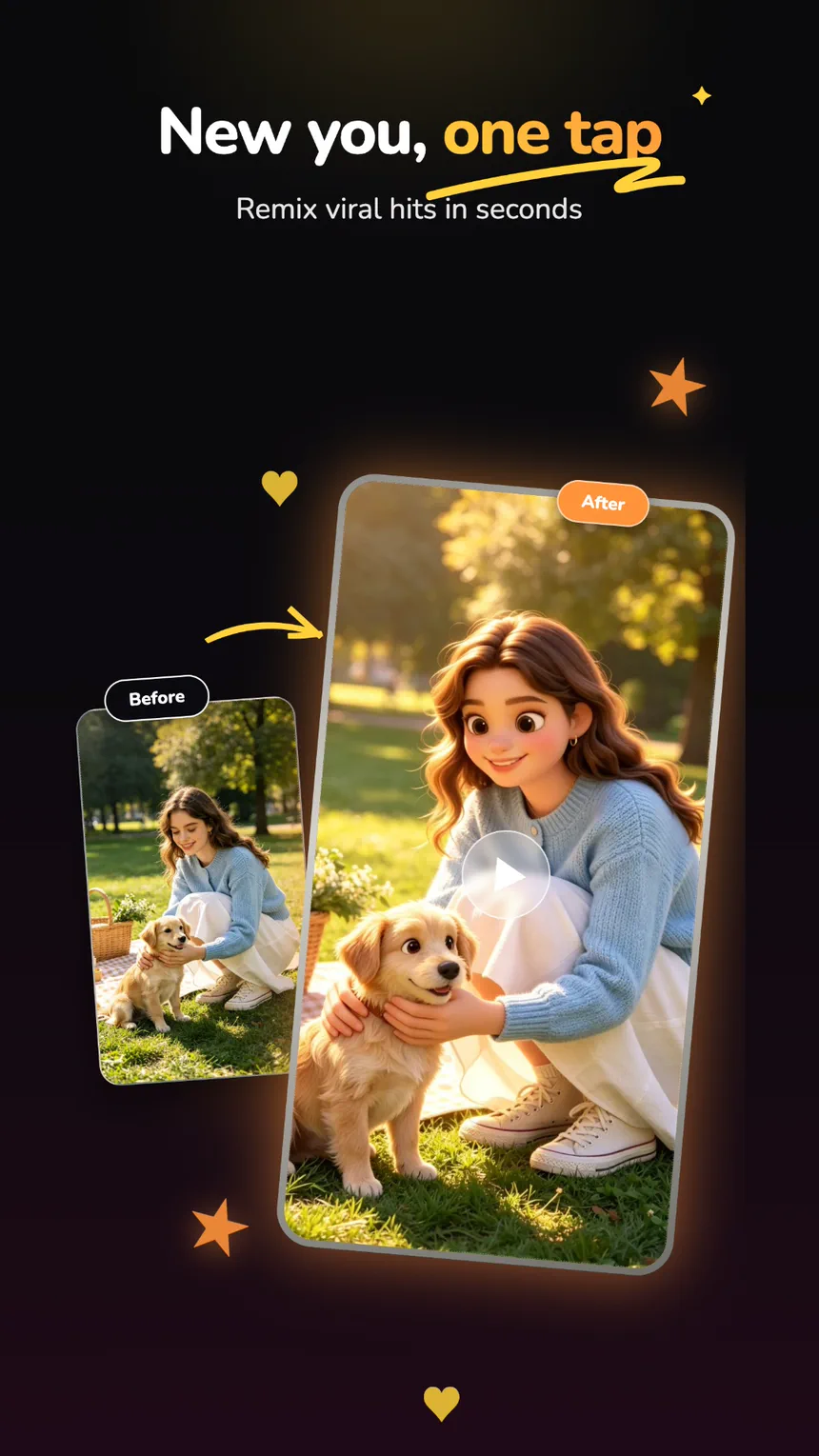
02 — Photo to video
Add one still, choose the movement, and get back a short clip — expression, fur, fabric, and background all moving together.
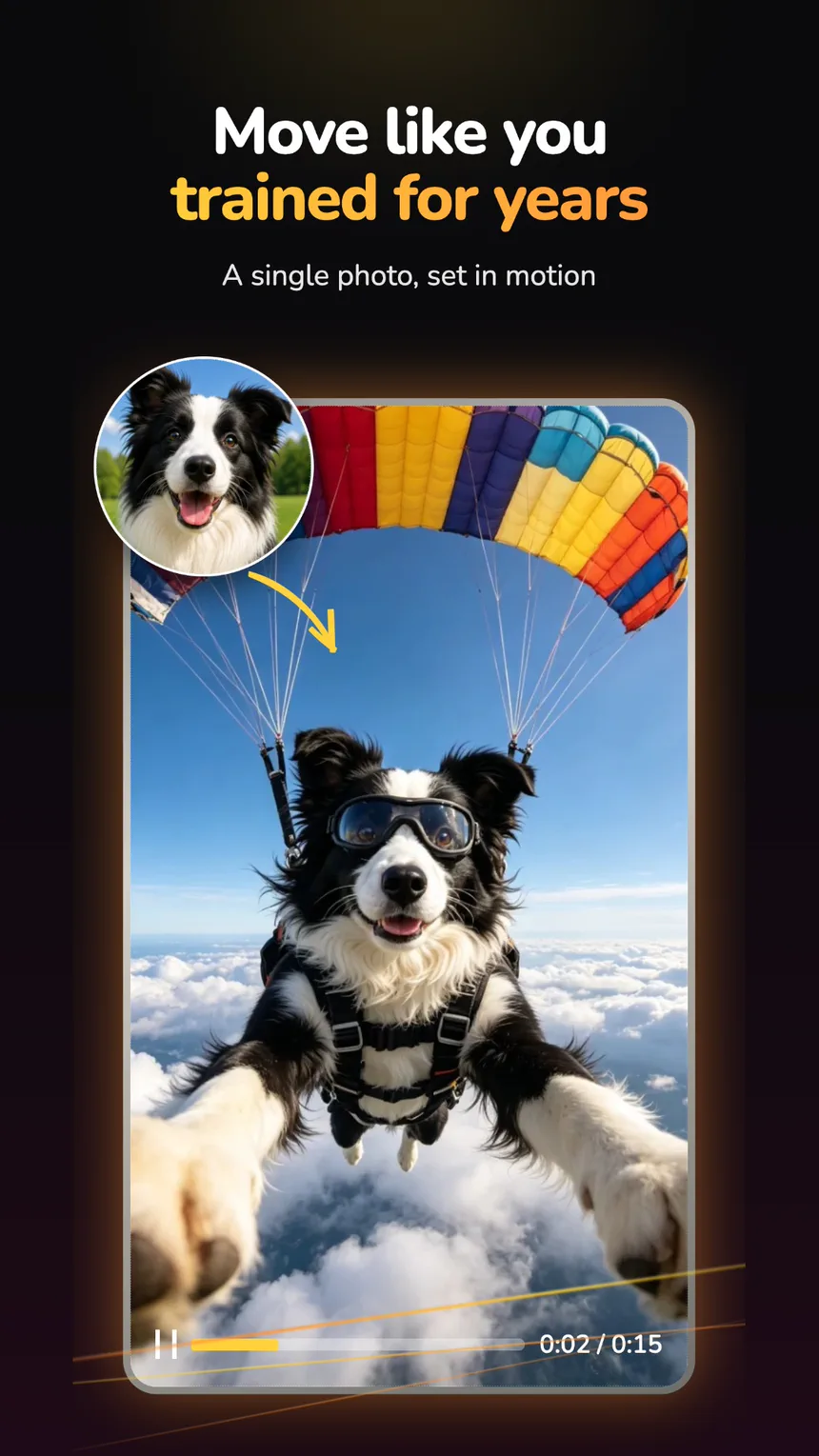
03 — Style transfer
Keep the face and swap everything around it. Run the same portrait through several visual worlds and keep the version that lands.
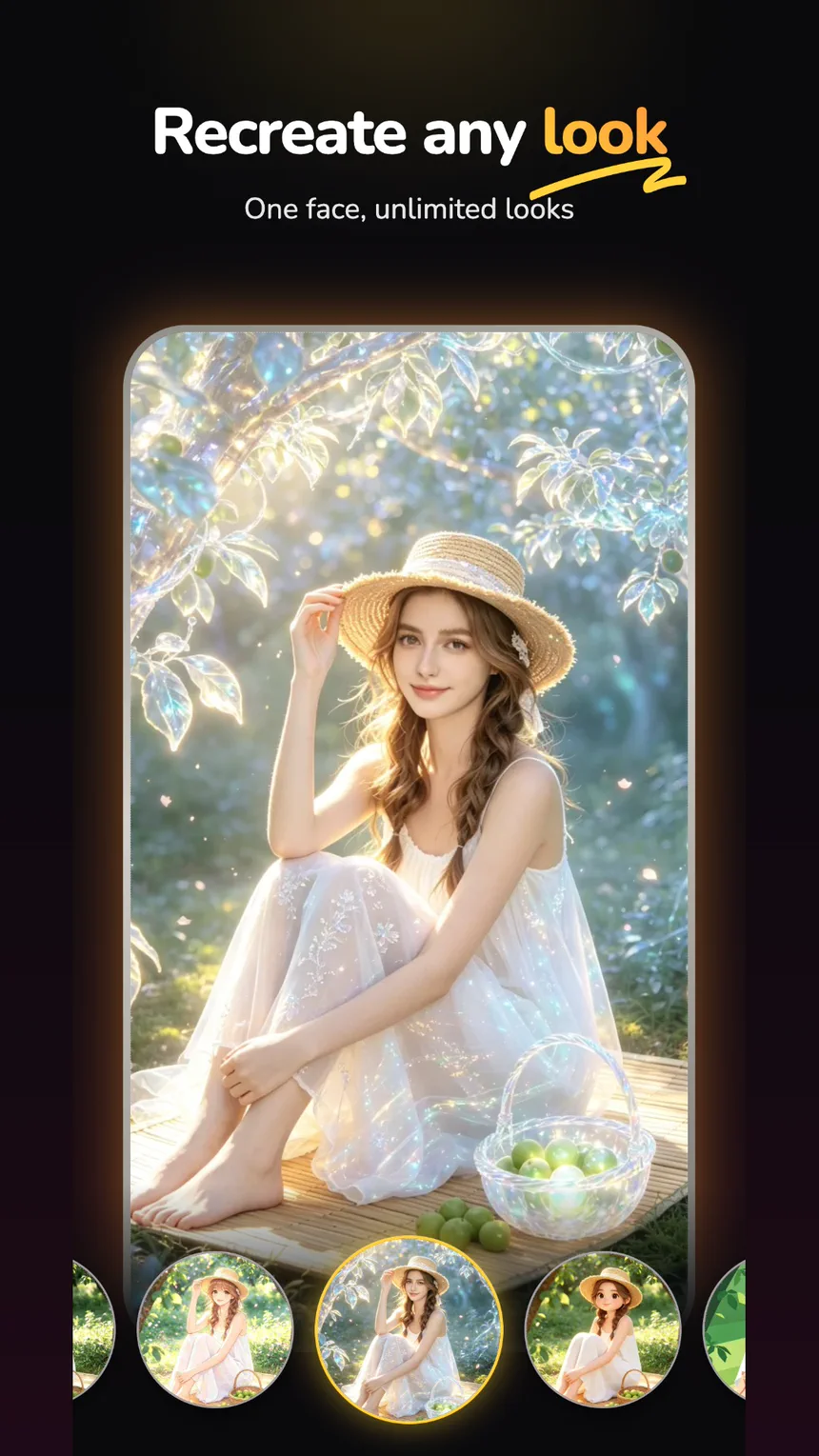
04 — Templates
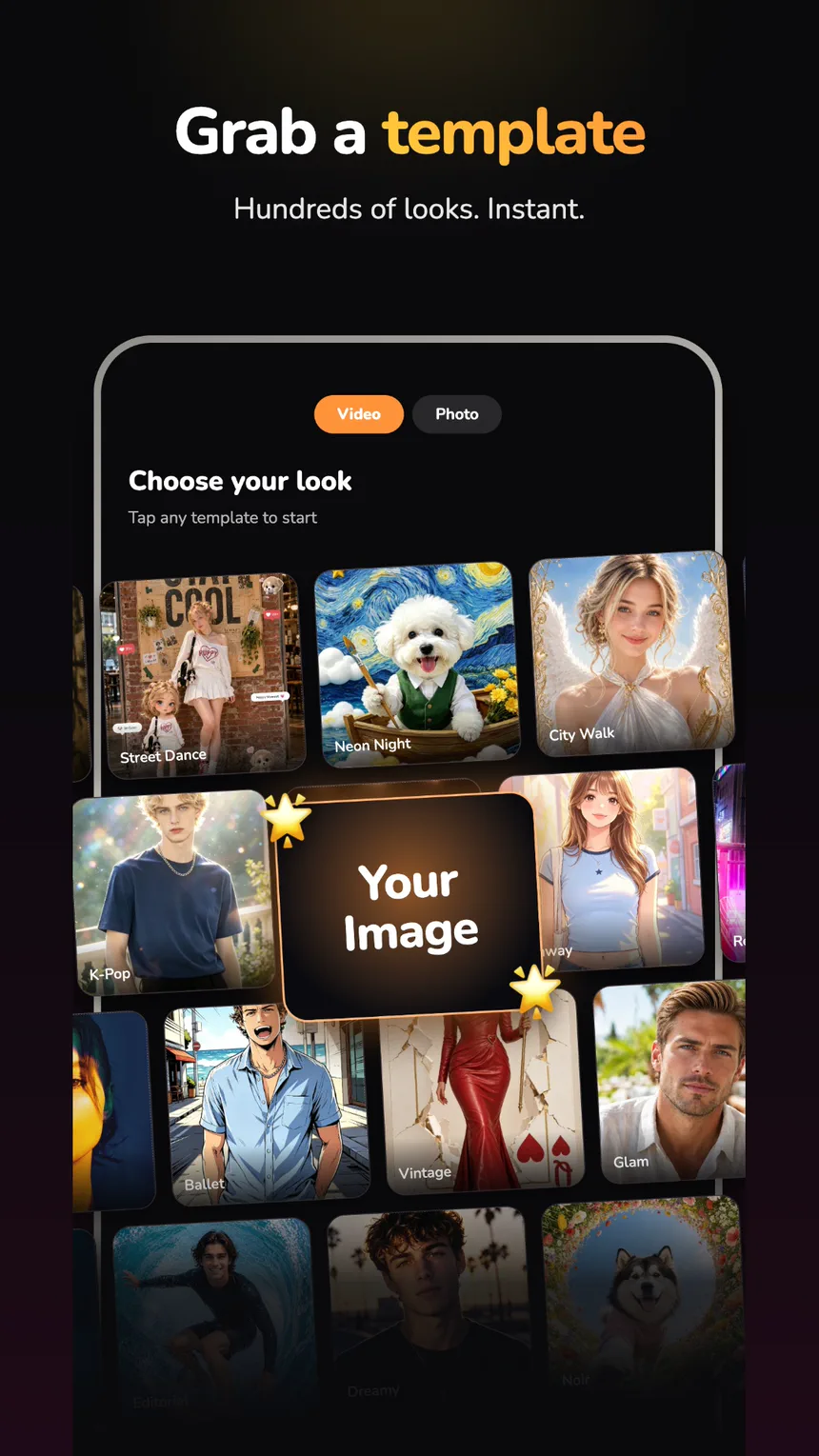
Browse ready-made photo and video templates, drop your image into one, and skip writing the request entirely.
Explore
Outfit, hair colour, lighting, and setting are all editable from a single portrait — no second shoot, no masks, no layers.


A simple flow
Pick the moment, the portrait, or the detail you want to take further.
Write it in a sentence, or tap a template and let the look do the asking.
Look it over, try another direction, and save the one you actually like.
Support & account control
Product, purchase, privacy, safety, or account questions all go to the same place. We aim to reply to a complete billing case within two days.
Use the account-deletion control inside CutPapaya. If you cannot reach the app, email Support from the address linked to your account with the subject “CutPapaya Account Deletion Request.” Accepted requests are ordinarily completed within 24 hours and cannot be undone.
Deleting your account does not cancel an active Google Play subscription. Manage or cancel that separately in Google Play.
Start with one frame